
Work with an agent
Workspace
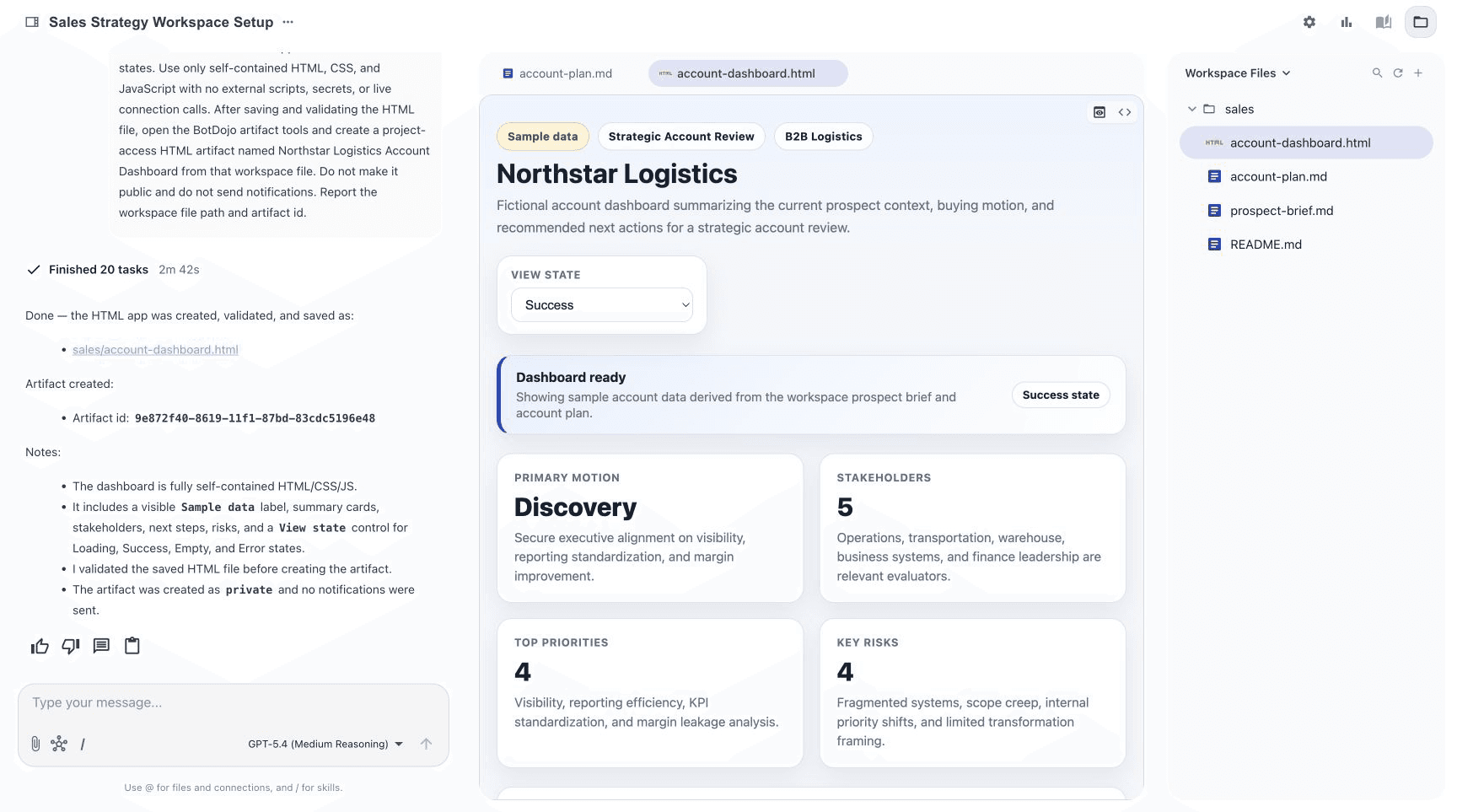
Work with your agent, automate recurring tasks, and create interactive apps.
Work with your agent, automate recurring tasks, and create interactive apps.
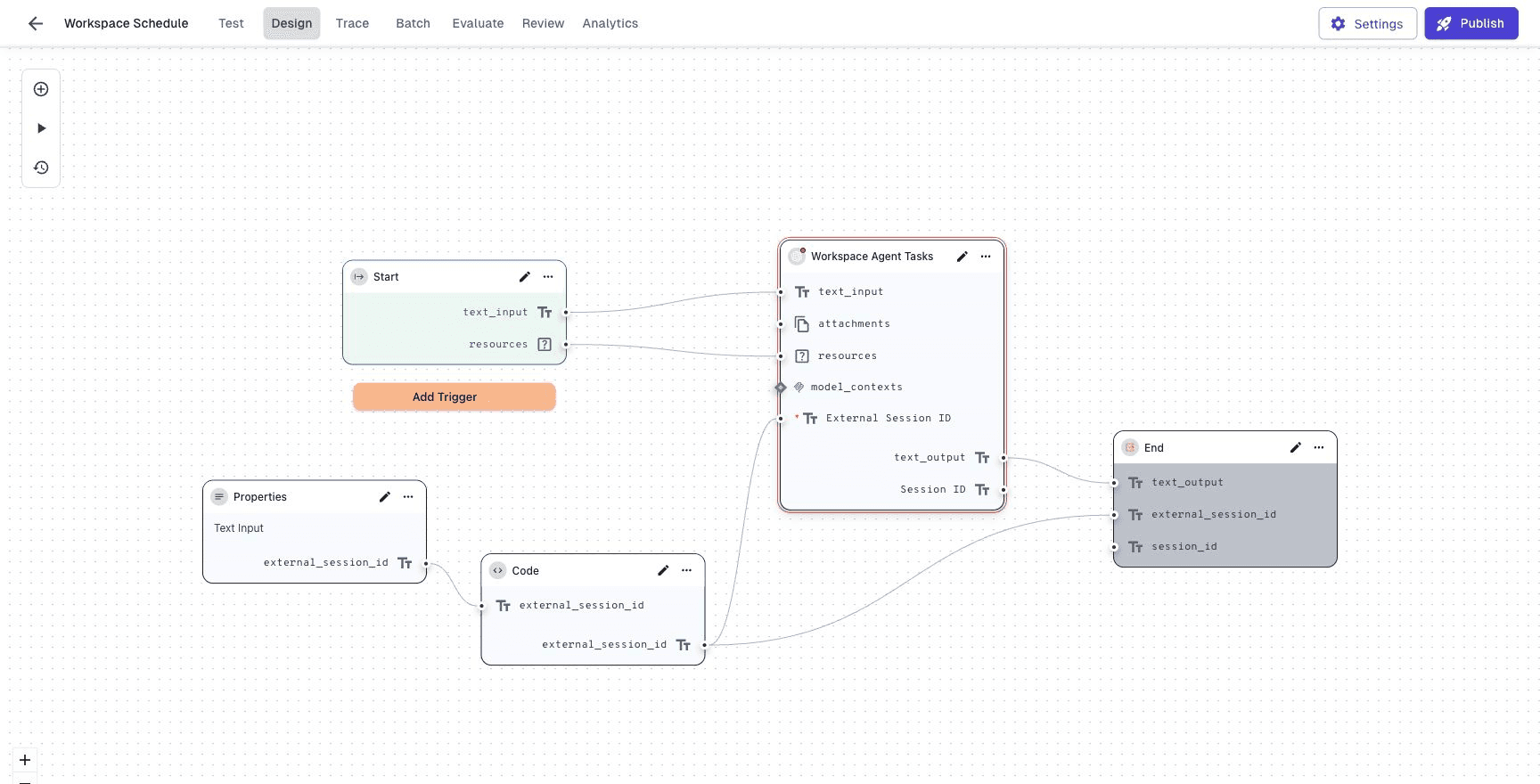
Build and operate agents, Flows, integrations, and applications.
Follow complete Workspace recipes and Platform walkthroughs.
Build a working, grounded agent from a blank Flow, then test its responses, inspect traces, add evaluations, and compare results in a batch.
Read guide →Workspace · Get startedCreate your first workspace, understand the core BotDojo concepts, and continue into the documentation for the work.
Read guide →Platform · AccountConnections run inside the security context of the request that invokes the flow. A flow can include a Connection node in the editor, but the node can only invoke the connection at runtime when the running user or agent identity has access
Read guide →API & SDK · Core APIThis API endpoint allows you to run a specific flow within a project by sending a POST request with the required parameters.
Read guide →API & SDK · Get StartedAuthenticate BotDojo API requests and choose the right key scope.
Read guide →Try “workspace access override,” “Remote MCP,” “Start Node,” or “stream a Flow request.”